
Outreach Integration Setup Guide
Requirements
- Admin access in Parmonic
- Admin access in Outreach
Setting up Outreach Integration
In Outreach,
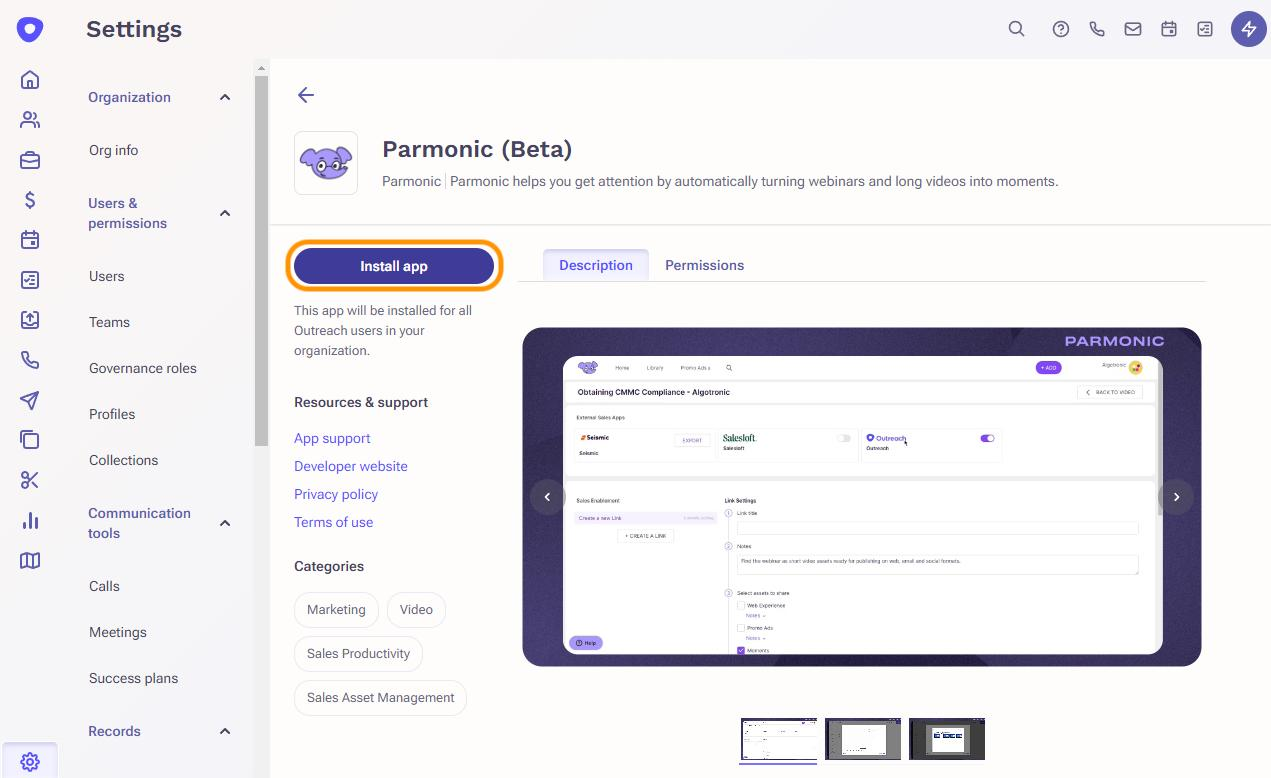
- Go to the Parmonic installation link.
- Click on the Install button.
In Parmonic,
Step 1: From the dashboard, go to your user icon in the upper right corner & click to reveal a dropdown where you can select Settings. Then go to the 'Integrations' tab.

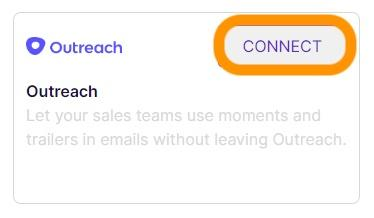
Step 2: Click on the Connect button in the Outreach pane and follow the instructions. You will be redirected to Outreach to authorize Parmonic.
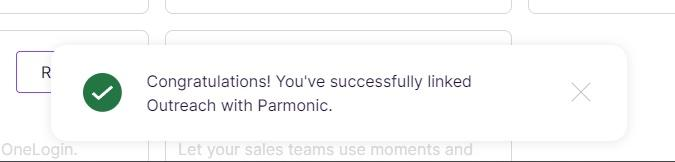
Step 3: Once everything is successfully connected, you'll receive this notice at the bottom of your page.
If you need help using the Outreach integration after its been set up, please go here.